Getting started
Sign in and choose your web portal
Sign in securely and open the workspace available to your account.
Before you start
- You have an active Lenvour account
Enter your account details
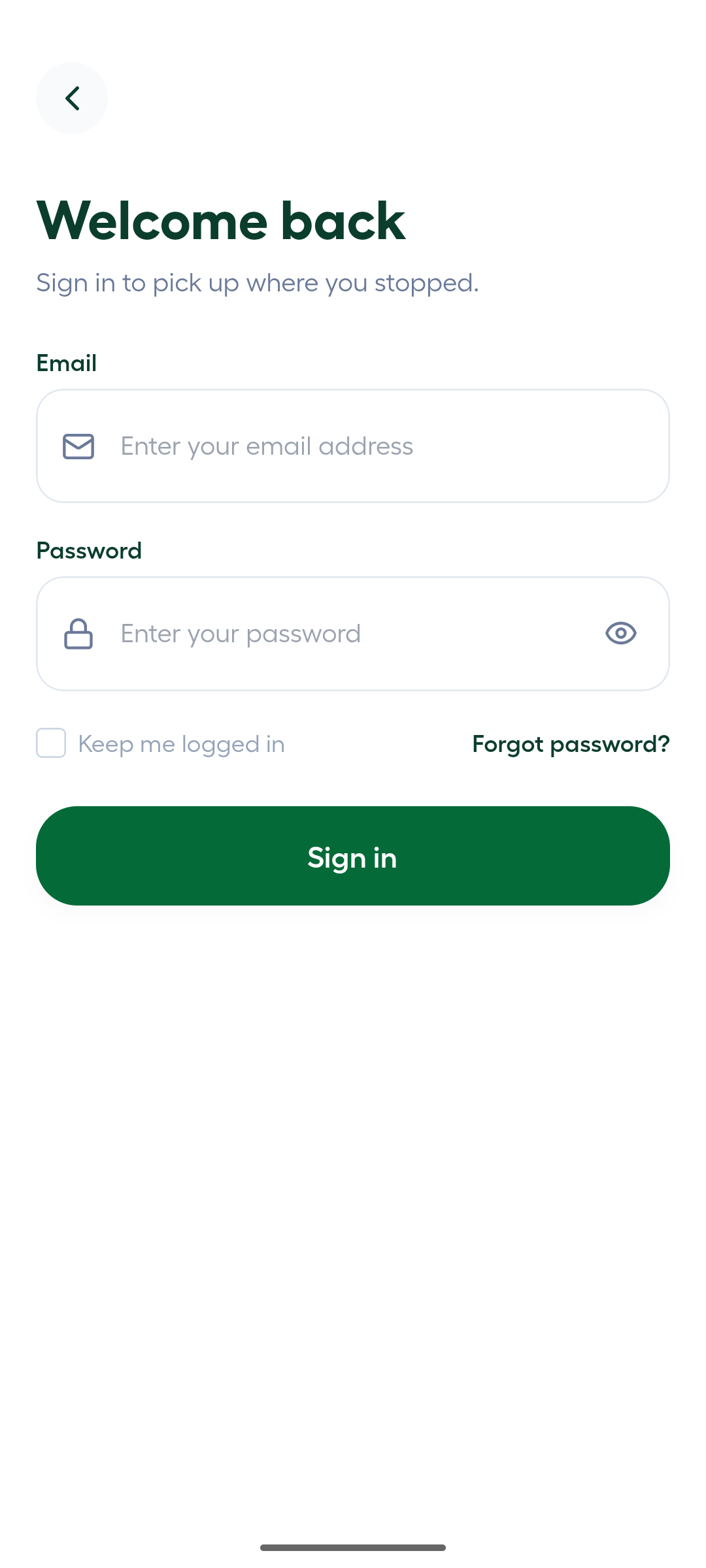
On the Lenvour sign-in page, enter your Email and Password. Keep the password concealed while you check the email address.
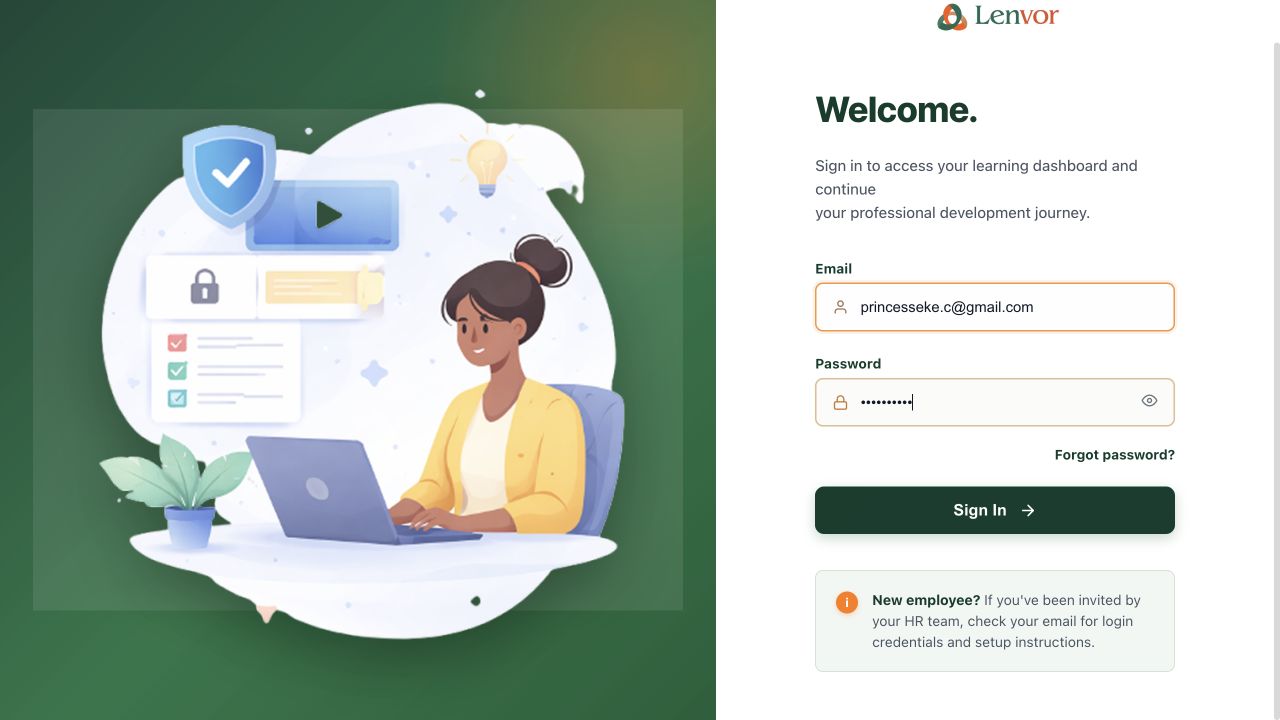
1 — email · 2 — password.
Lenvour sign-in form with an email address and concealed password
Sign in
Select Sign In. If your account has access to more than one workspace, Lenvour opens the portal selector.
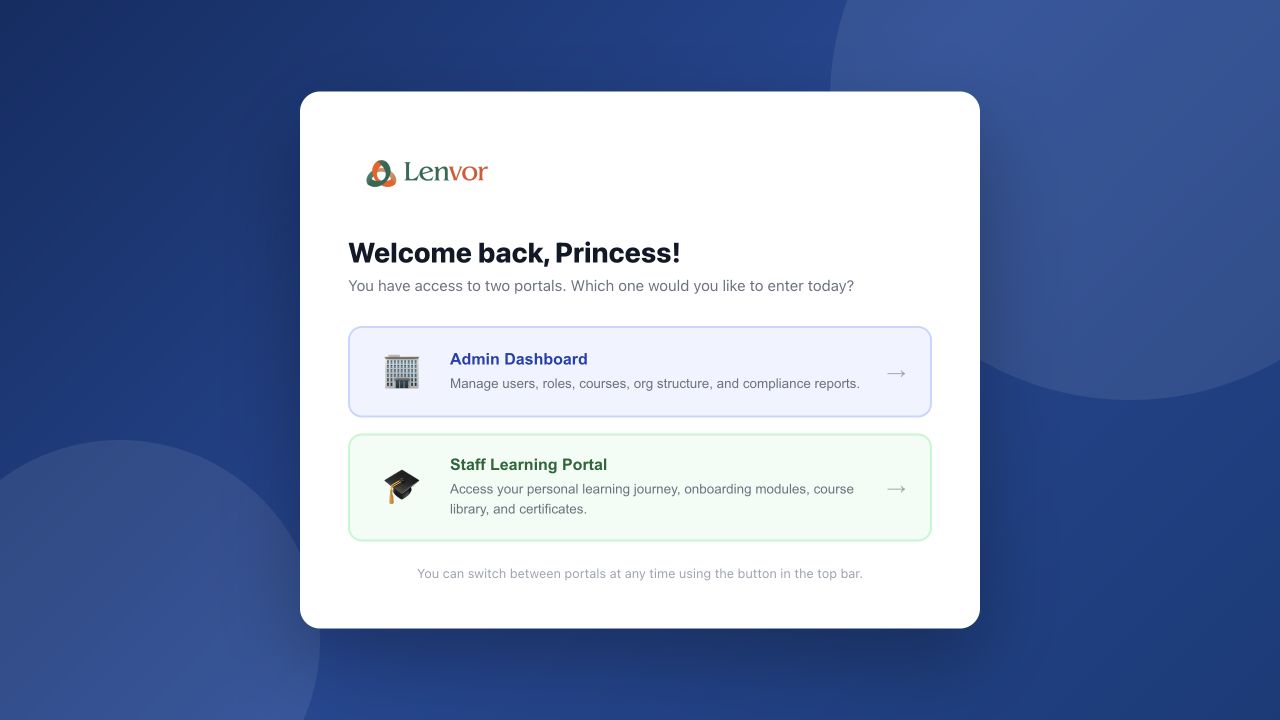
1 — admin dashboard · 2 — staff learning portal.
Lenvour portal selector shown after a successful sign-in
Choose a workspace
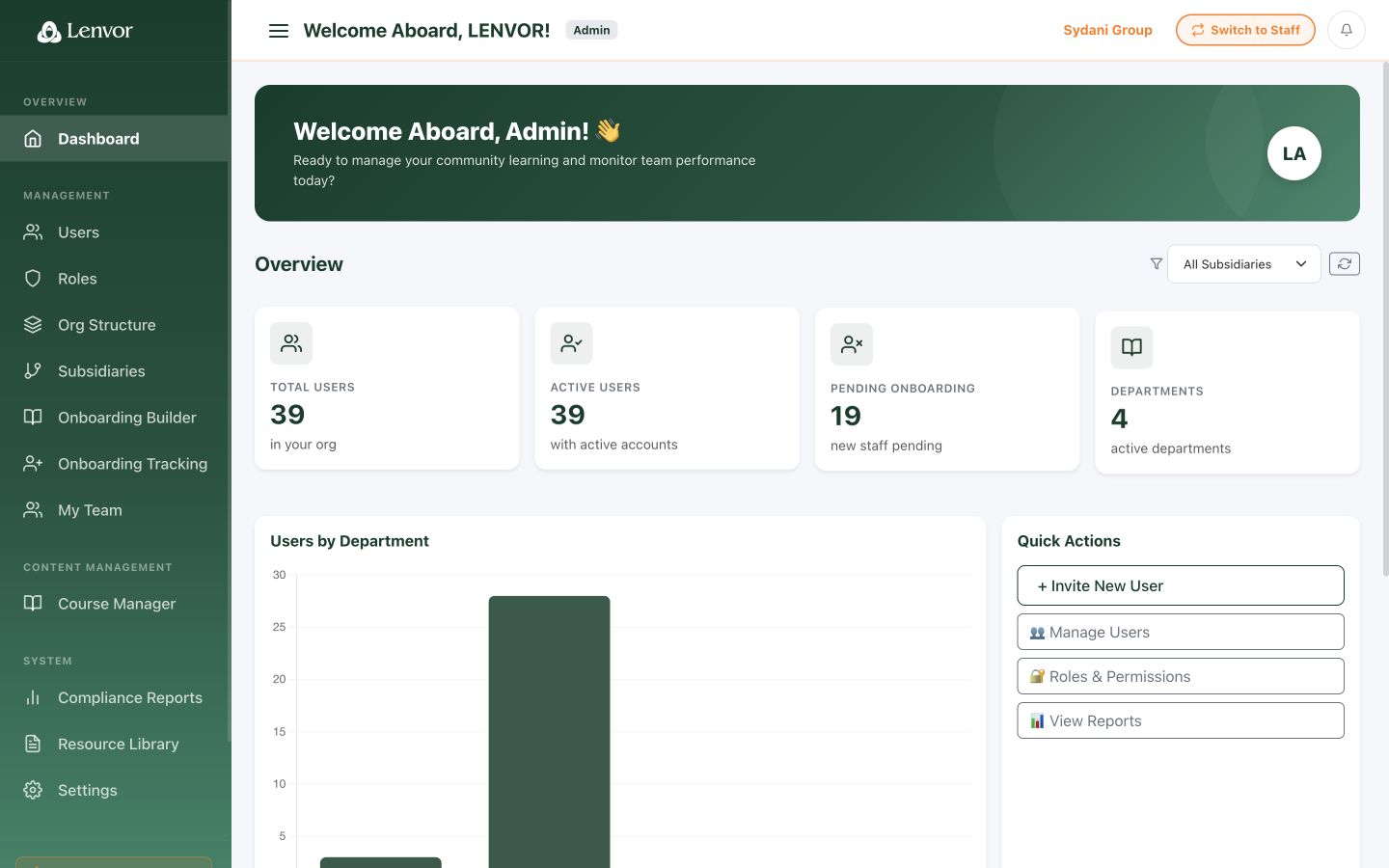
On Select a portal, choose Admin Dashboard or Staff Learning Portal, according to the work you need to do.
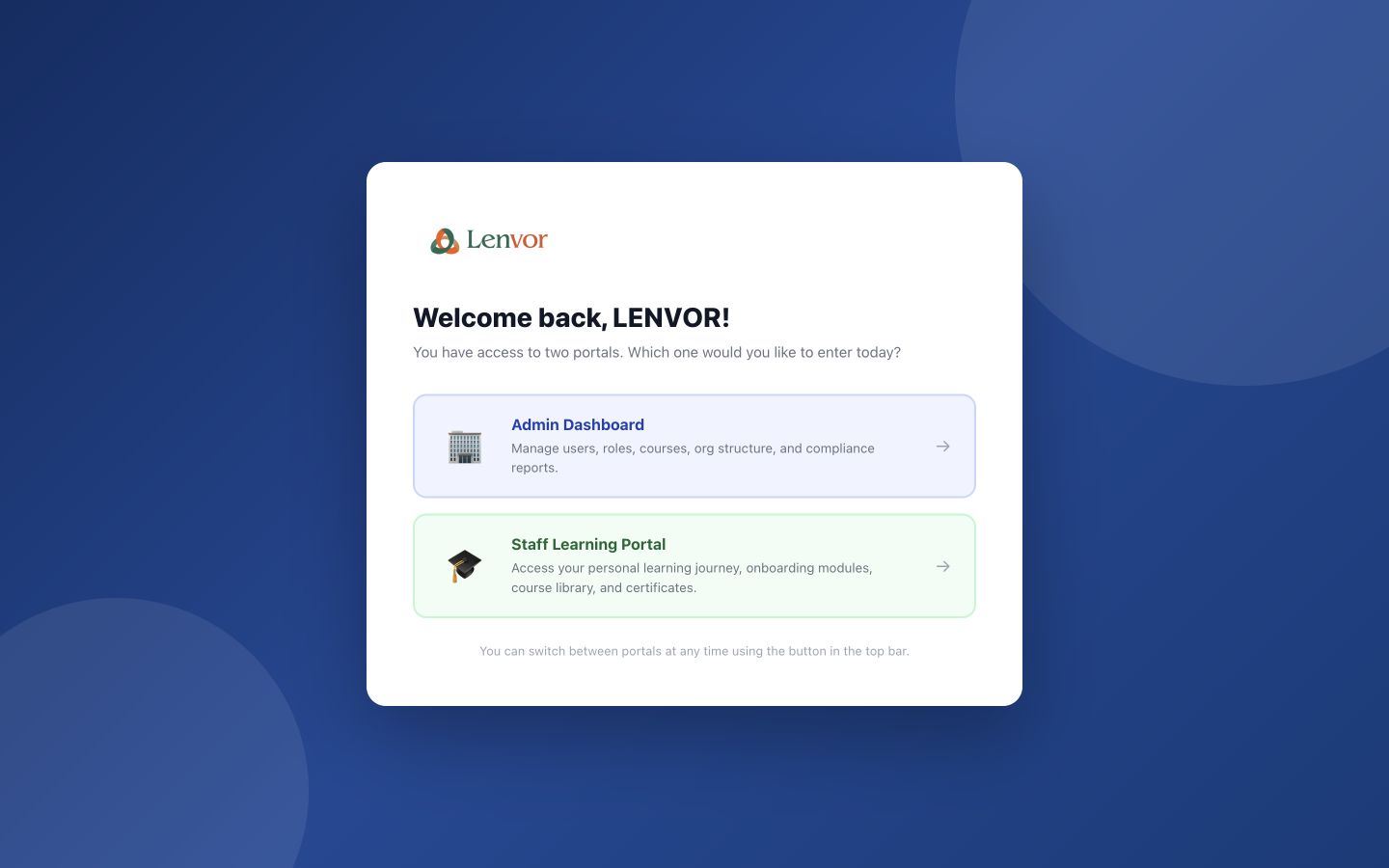
1 — admin portal · 2 — staff portal.
Lenvour portal selector showing the available web workspaces
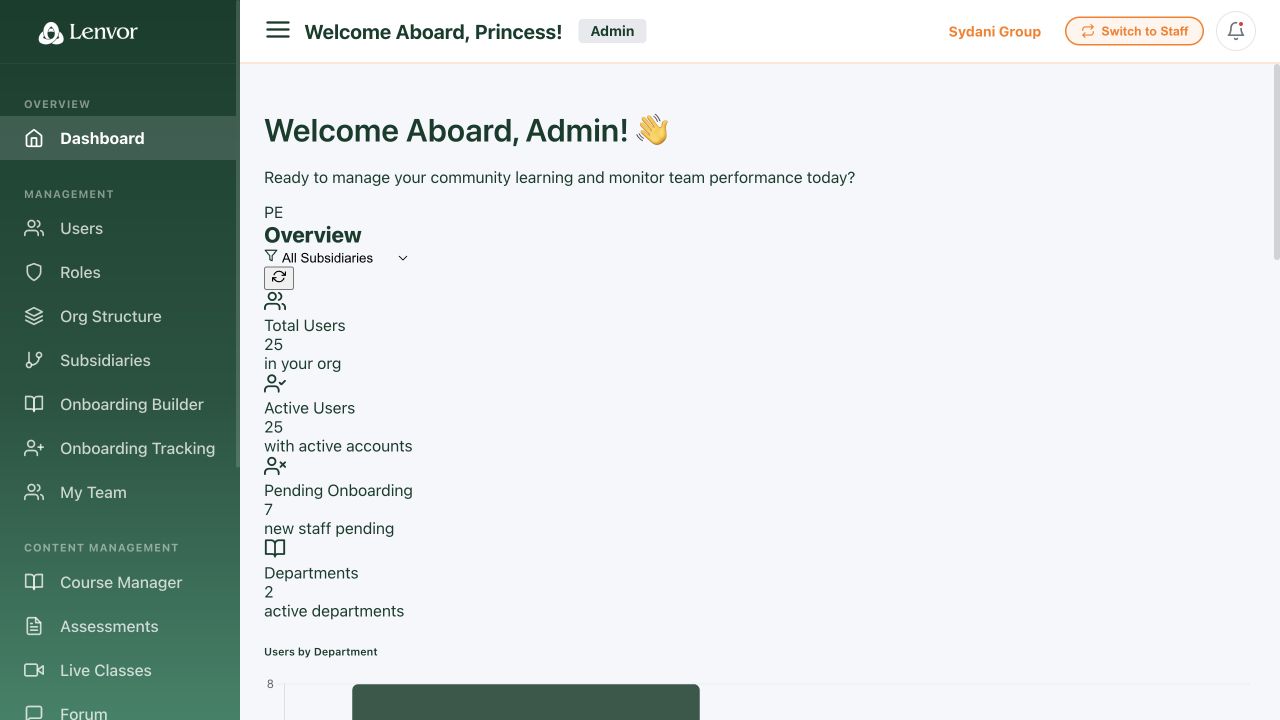
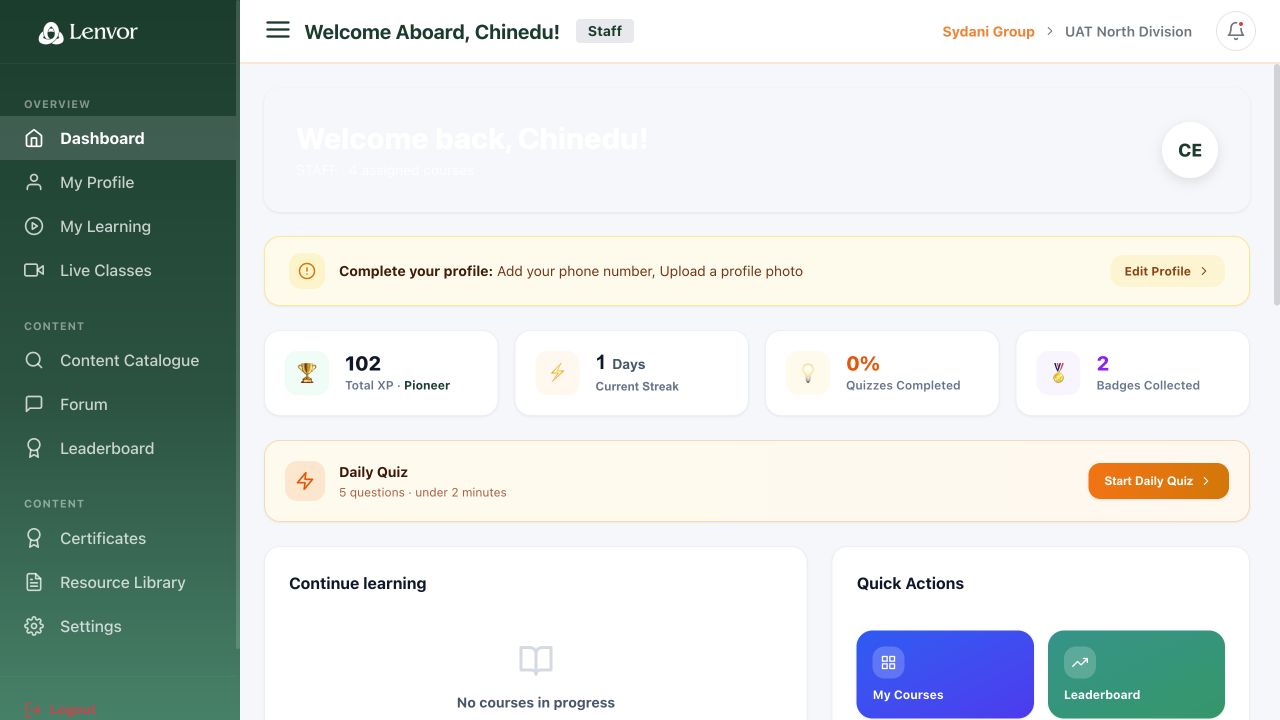
Done. The selected workspace is open.
If something goes wrong
Only one workspace opens.
The selector appears only when your account has more than one workspace entitlement.